Key Takeaways
- The Price is Right: You can skip the $1,800 retail price; refurbished units are hitting the “no-brainer” $350 mark.
- Easy Migration: Switching from a modern flagship (like the Pixel 10 Pro) to an older Fold is a breeze via Google Fi eSIM.
- The Ergonomic Fix: A cheap case isn’t just for protection—it fixes the accidental button-pressing issue.
- Clean Android: Pixel beats Samsung for anyone who hates duplicate “bloatware” apps.
- Dictation King: The microphone quality on the original Fold makes voice-to-text productivity a dream.
The Foldable Dream on a “Fun” Budget
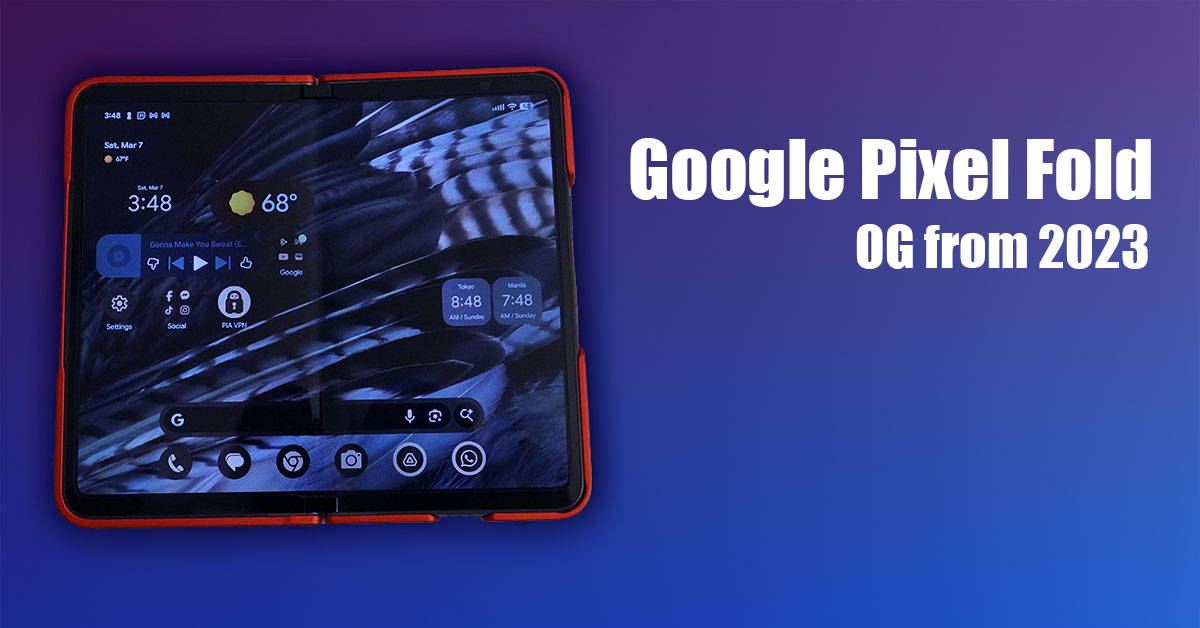
Let’s be real: I’ve been “fold-curious” for a long time, but every time I looked at the price tags, I saw numbers that looked more like a mortgage payment than a phone bill. We’re talking $1,800 out of the gate! Even scouting “open box” deals at Best Buy felt like a high-stakes gamble, with the newer Samsung Fold 7 still hovering around $1,200 to $1,400. In the US, your main players are Google, Samsung, and Motorola (Razr), but entering that elite ecosystem usually requires a small fortune and a prayer.
I almost pulled the trigger on a few different deals, but the Razr just didn’t have the right “vibe” for my daily workflow. Then, a friend dropped a total bombshell: Amazon was clearing out refurbished original Pixel Folds for under $400. I went hunting immediately and scored one for just $350. Now, is it in mint condition? Absolutely not. It’s got some light scratches on the screen that tell a story. But for a massive $1,450 discount off the original MSRP? I’ll take those “battle scars” any day just to finally play with the tech I’ve been eyeing for years.
Note: Prices may vary depending on store and availability.
The “Downgrade” That Didn’t Feel Like One
I know what you’re thinking: “Isn’t moving from a Pixel 10 Pro to the original Fold a massive downgrade?” On paper, sure. The 10 Pro is a beast. But I wanted to see if the foldable utility outweighed the spec sheet.
| Feature | Google Pixel 10 Pro | Google Pixel Fold (2023) |
| Form Factor | Traditional Candy Bar | Book-style Foldable |
| Main Display | 6.7″ LTPO OLED | 7.6″ Inner / 5.8″ Outer OLED |
| Processor | Tensor G5 (Flagship Power) | Tensor G2 (The OG Chip) |
| Camera Tech | 2025 Flagship Sensors | 2023 Solid Foldable Array |
| Software Support | 7 Years of Updates | Updates through June 2028 |
| The “Vibe” | The Reliable Workhorse | The “Transformer” Multi-tasker |
The transition was surprisingly painless. I’m a Google Fi user, and their eSIM service is top-tier. I transferred my service from the 10 Pro to the Fold in minutes—no physical SIM cards, no calling customer support. Just pure Google magic.
The “Button” Struggle & The Chicago Bulls Fix
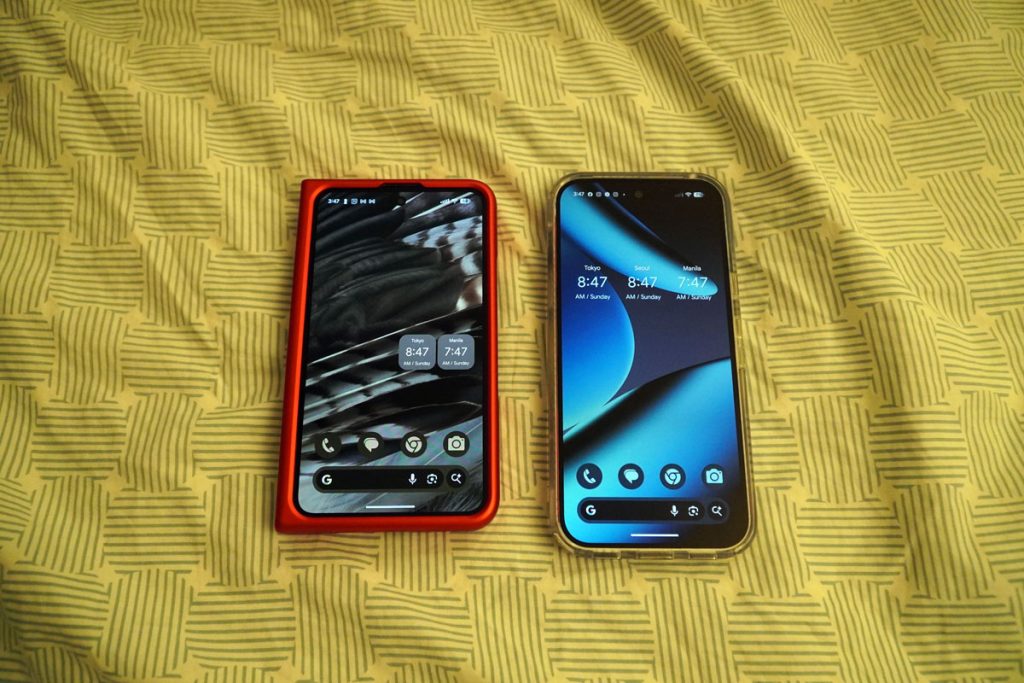
Here is the one thing reviewers don’t mention enough: the ergonomics. Every time I opened the phone, my fingers would accidentally press the volume buttons. Boom—volume pop-up. I tried to adjust my grip, and then I’d accidentally hit the power button and turn the screen off. It was a frustrating dance.
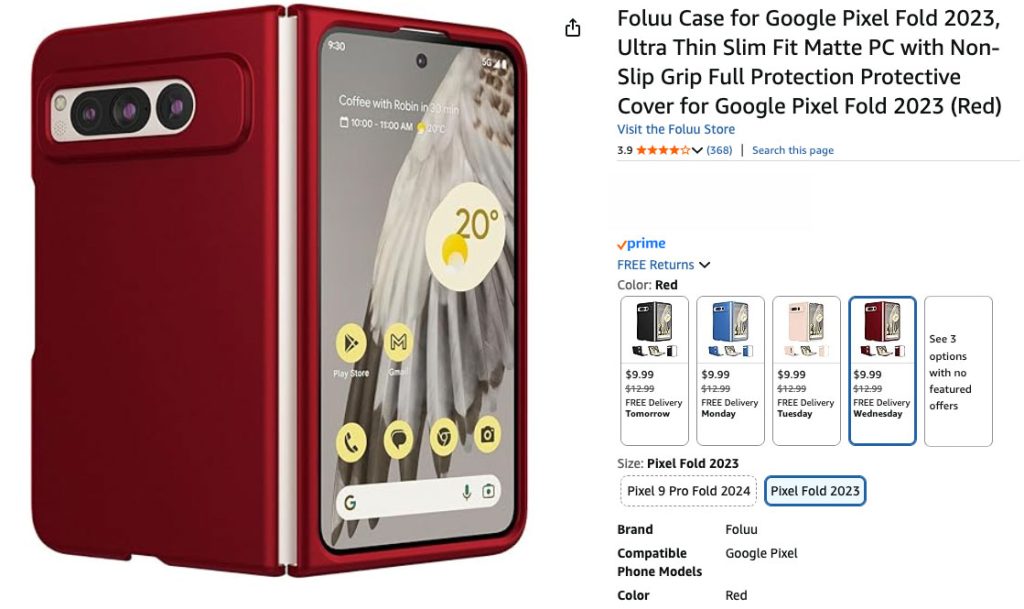
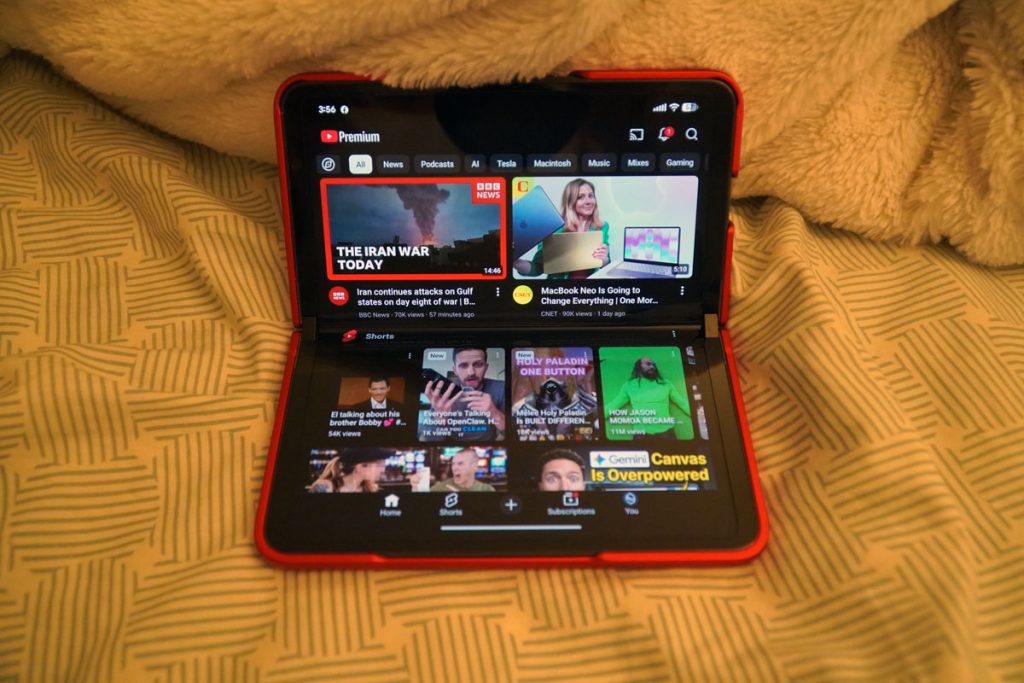
The Solution: A super inexpensive red cover. Because I’m a massive Chicago Bulls fan, I went with a red and black combo. Not only does it look slick, but the case adds a “lip” that gives my fingers a place to rest away from the buttons. If you’re buying a Fold, a case isn’t just for drops—it’s a hardware fix!
Why Pixel Still Wins the “Bloatware War”
I’ve used Samsung phones and tablets in the past, and I always run into the same headache: Software Duplication. Samsung wants you to use their storage app, their photo gallery, and their account system—all while Google’s versions are sitting right there.
On a Pixel, it’s clean. I’m already in the Google ecosystem, so I don’t need a Samsung account just to back up my files. Plus, even though this phone is from 2023, Google’s support is legendary. I’m still locked in for security and OS updates for years to come.
Resolution & Reality: The Two-Screen Life
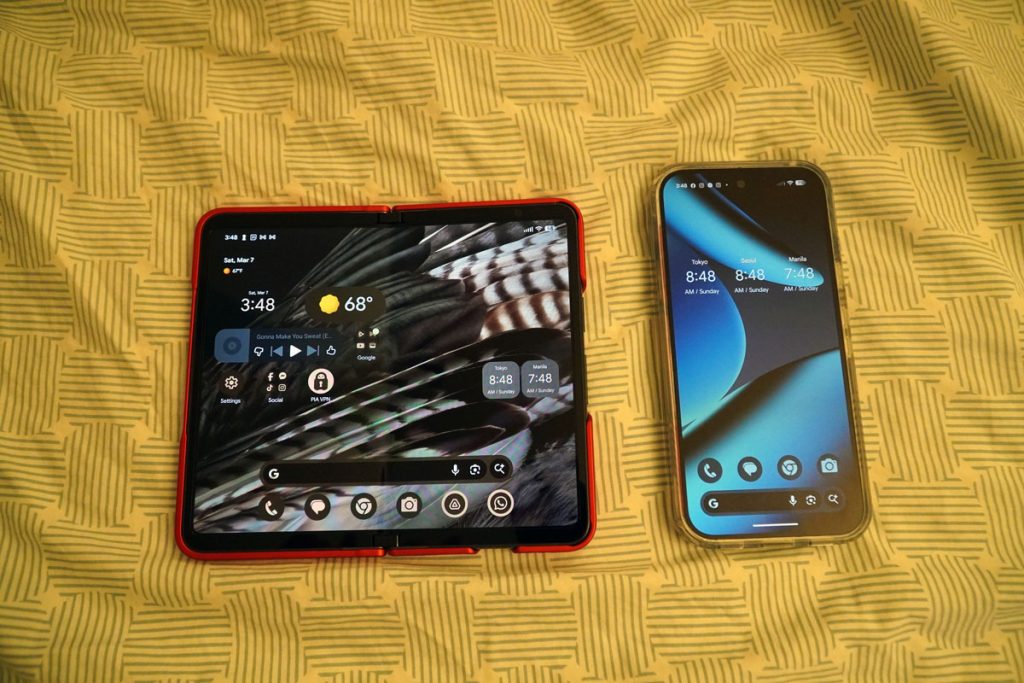
The utility of this device is wild. When it’s closed, you have a solid “candy bar” phone. But when you flip it open? You’re entering a whole new world of screen real estate.
The Specs You Need to Know:
- Folded (Outer Screen): A comfortable 5.8-inch OLED with a 1080 x 2092 resolution.
- Unfolded (Inner Screen): A massive 7.6-inch display at 1840 x 2208.
One quirk: not every app is ready for this aspect ratio. I often find myself rotating the phone 90 degrees just to get an app to fill the whole screen. It’s a small price to pay for having a tablet in your pocket. It feels a bit heavier than a standard phone, but it still slides into a pocket just fine.
My New Mobile Office: Google Drive & Dictation
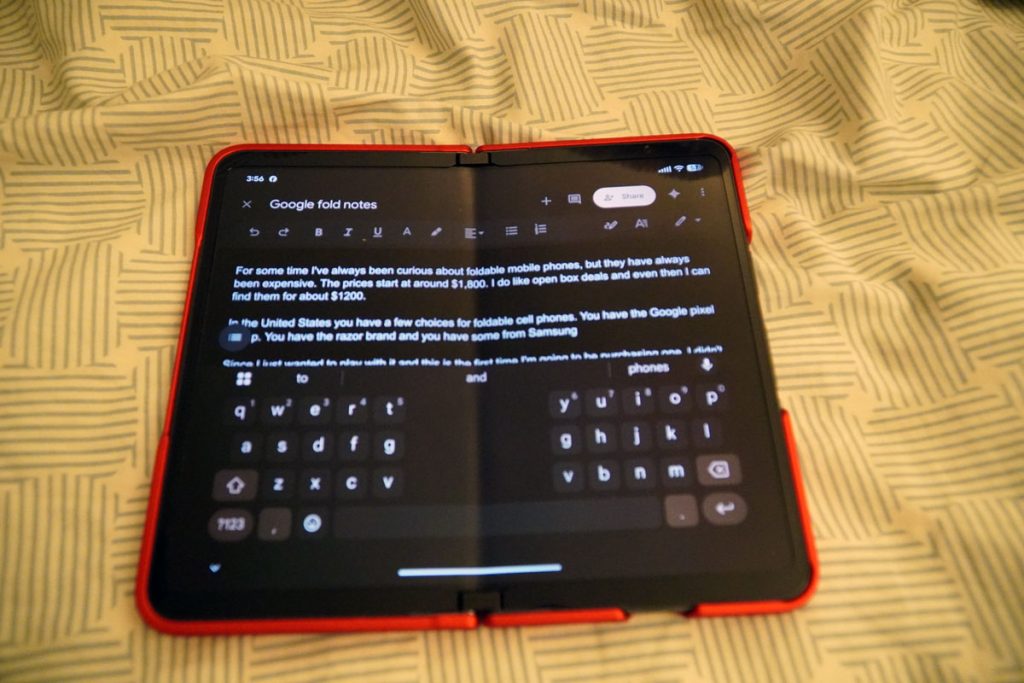
I’ve been using the Fold to write this very article in Google Drive. While the keyboard is comfortable, I’ve found myself relying on the microphone for dictation. The mic quality on the original Fold is surprisingly high-end; it understands my voice with way fewer errors than my older devices.
I also have an iPad Mini 7 with a modem (also on my Google Fi account), and while I love both ecosystems, I’ve found myself reaching for the Pixel Fold way more often lately. It’s just more versatile for quick notes and “on-the-go” productivity without needing a separate bag.
If you would like to sign up for Google Fi, consider using my referral code. Google Fi Referral terms.
The Final Verdict: Was it Worth the $350?
Absolutely. If you are curious about the foldable life but don’t want to spend rent money or mortgage on a gadget, the original Pixel Fold is the choice. It’s affordable, it’s a pure Google experience, and it has years of life left in it. Sure, there are some scratches on mine, but for this price? I’m smiling every time I unfold it.Ready to join the fold? Check out the Google Pixel Fold on Amazon and grab a protective cover to save your fingers from the button struggle!