HP OmniBook X 14 Review: Snapdragon X Plus in Real-World Use
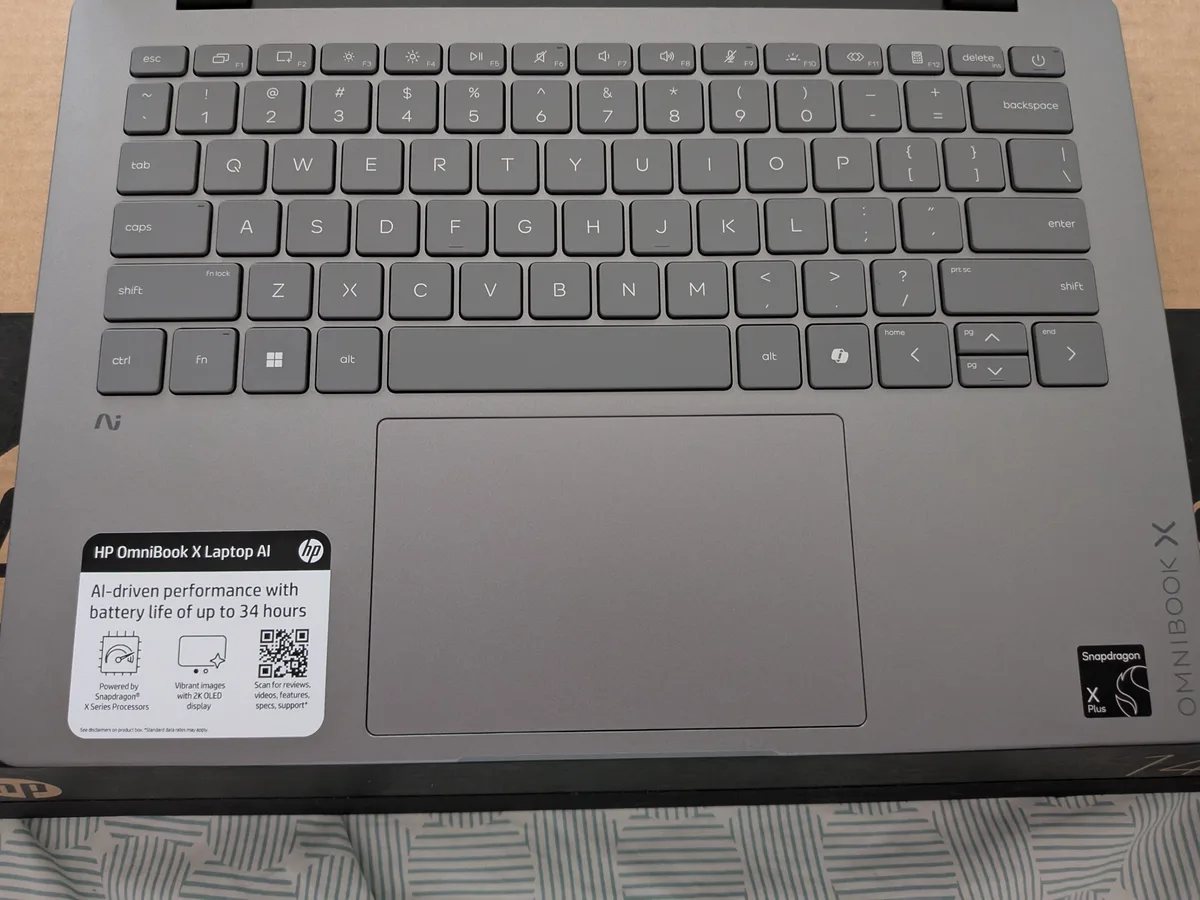
The HP OmniBook X 14 was my first Snapdragon laptop. I was skeptical of the marketing — better battery, cooler thermals, quieter fans, all because ARM runs more efficiently than x86. That pitch sounds good on paper. I wanted to find out how much of it held up.
I pulled it out of the box and went looking for the power brick. There isn’t one. The Snapdragon X Plus runs efficiently enough that HP ships the OmniBook X with a USB-C cable and a small plug — 65W is all it needs. Coming from gaming laptops and a MacBook Pro M3 Max, both of which come with significantly larger power adapters, that alone reframes what you expect from a 14-inch machine.
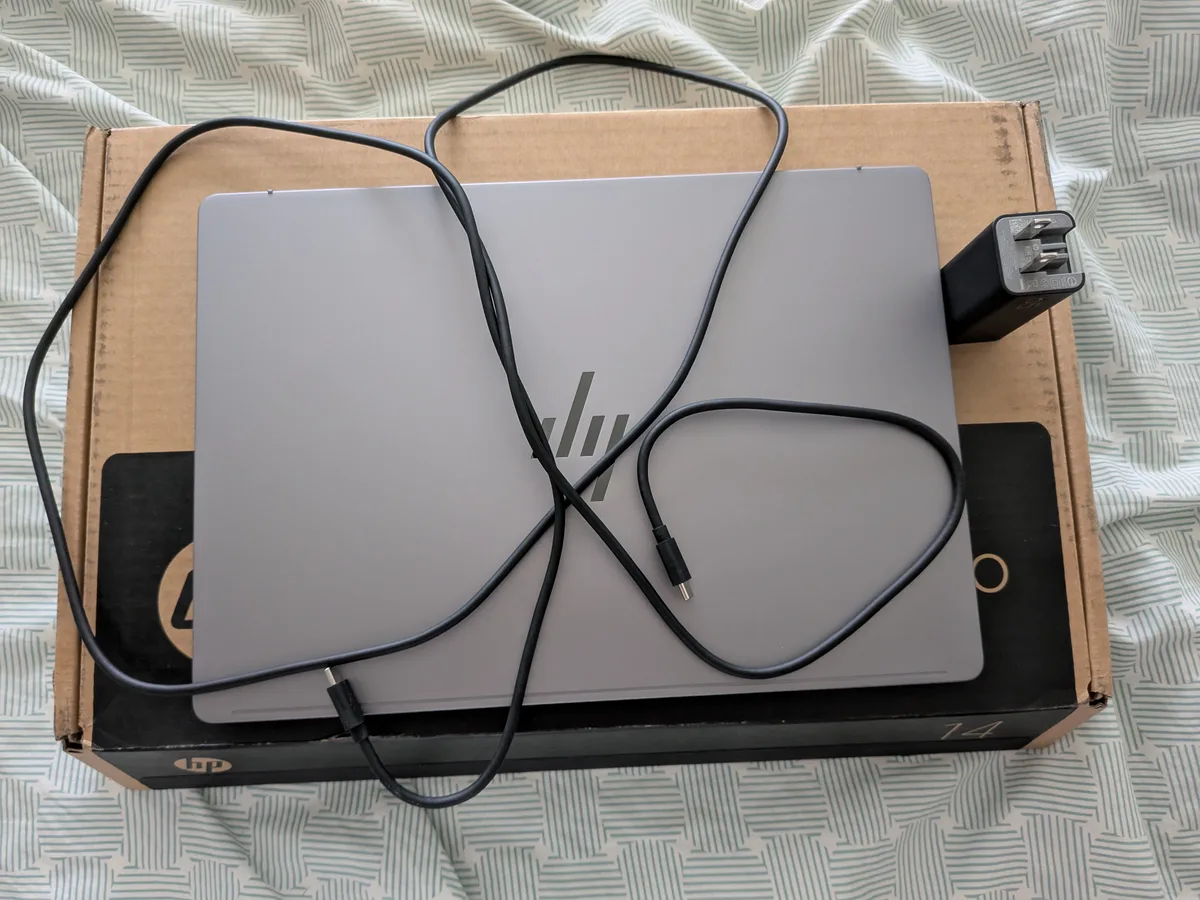
The weight reinforces it. This is noticeably lighter than the gaming laptops I’ve reviewed and lighter than the MacBook Pro M3 Max at the same screen size. It’s the kind of difference you feel when you pick it up.
Thermals: Cooler, Not Silent
There is a fan. I put my ear close and could hear it running. But the bottom panel stays genuinely cooler than any laptop I’ve used at this size — not warm-ish, actually cool under light load. I use my laptop on my lap regularly. I noticed the difference the first day.
It gets warm under sustained load, not hot. Not uncomfortable.
Touchscreen
14-inch 2K OLED (1920×1200), and it’s responsive. No lag across normal use — scrolling, tap targets, pinch-to-zoom all feel immediate. The 1920×1200 aspect ratio gives you slightly more vertical room than a standard 1080p widescreen, which helps in documents and browser tabs.
ARM Compatibility: Be Specific Before You Buy
This is where people stress, and it’s worth being direct.
Adobe: Photoshop runs natively on ARM. Premiere Pro added native ARM support in version 26. If you’re on current Creative Cloud, you’re covered. Adobe’s full ARM compatibility list has the complete breakdown by app.
Microsoft Office: Native ARM versions exist. If you’re mostly on web apps anyway, this is a non-issue.
Everything else: Windows uses Microsoft Prism to emulate x86 apps. There’s a performance hit. For light use on non-native apps it’s manageable — not for compute-heavy workloads.
Bloatware: McAfee and a Dropbox promotion were waiting at first boot. Gone in five minutes.
If your workflow is browser-based or Adobe CC on current versions, ARM is not an obstacle. If you run niche Windows software, check compatibility before you commit.
The Verdict
The ARM trade-off is real and it’s worth it — if portability and all-day battery matter to you. Battery life is noticeably good, and that’s a direct result of how efficiently the Snapdragon X Plus runs. No power brick in the bag, a machine that stays cool on your lap, and software compatibility that covers the major tools. For productivity and daily use it punches above where I expected a Snapdragon Windows laptop to be.
HP OmniBook X 14 at Best Buy →I received this product from Best Buy at no cost in exchange for an honest review.
Leave a comment
Comments are moderated, so it may take a bit before yours appears. Your email is never published.